See your schema.
Instantly.
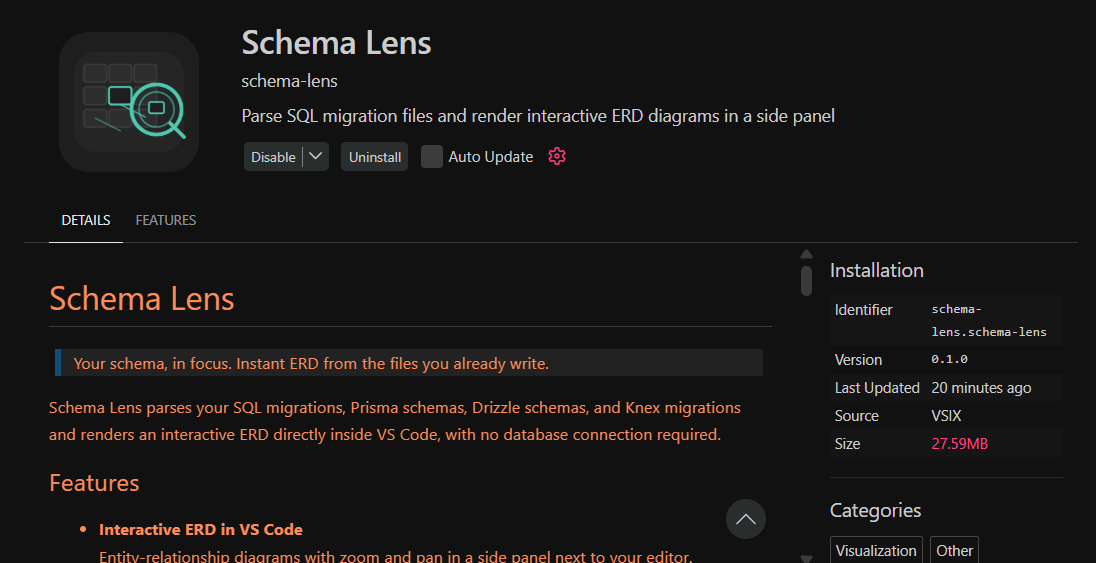
Schema Lens turns your SQL and ORM files into a live ERD in VS Code — no database required.
Free forever · Open source · No sign-up

ERD in three keystrokes.
Open
SQL migrations, Prisma, Drizzle, or Knex — Schema Lens detects the format automatically.
schema.prismaClick Schema Lens Icon
Hit the ERD button in the editor title bar. No setup. No config file.
Explore
Zoom, pan, hover columns for details. Compare two schema versions side by side.
Everything you need. Nothing you don't.
File-first, offline
Reads the migration files already in your repo. No uploads, no exports, no external service.
Four formats
SQL, Prisma, Drizzle ORM, and Knex. Open parser API for adding new formats.
Schema diff view
Compare two schema versions visually. Added tables teal, removed red, modified amber.
Zoom, pan, drag
Rearrange the ERD canvas freely. Zoom with scroll, drag nodes to your preferred layout.
VS Code native
Docked side panel, respects light/dark theme, integrates with the status bar.
Zero config
Install and open a schema file. The extension activates automatically.
Lives right inside VS Code.
Install once. Open a schema file. Hit ≋ ERD.
Built for developers who live in Git.
Most ERD tools sit behind SaaS paywalls, live in a browser, and expect you to upload a schema or connect a live database.
Schema Lens takes a different path. It lives inside VS Code and reads the files already in your repo — no export, no uploads, no separate dashboard.
“No sign-up. No project setup. Just open a file and clickSchema Lens Icon on top right.”
No sign-up, no project setup
Open a file, click a button. That's it.
No live database required
Works in local dev, CI, or early design when no DB instance exists.
No proprietary formats
Delete Schema Lens and your schemas are unchanged. SQL/Prisma/Drizzle/Knex stay as-is.
Designed for Git workflows
ERD comes from your migration history. Diffs, code review, PRs — all native.
Why is Schema Lens free?
Schema Lens is a tool for developers, by a developer. Built for the workflows where you already spend your time - reading migrations, auditing schemas, and debugging relationships.
Since there's no cloud component and no per-user operating cost, we see no reason to gate the core experience behind a subscription. Optional hosted features may come later, but the local extension is always yours.
Public code
AGPLv3 licensed, fully forkable on GitHub, share improvements back.
No backend
Runs entirely on your machine. No server-side telemetry or per-user costs.
Zero tracking
Privacy is the default. We only see what VS Code provides by default.
Works with how you already write schemas.
SQL Migrations
Raw .sql files. Supports PostgreSQL and MySQL dialects via node-sql-parser.
Prisma
Reads schema.prisma models, @relation, @id, @unique attributes.
Drizzle ORM
Walks the TypeScript AST for pgTable, mysqlTable, sqliteTable calls.
Knex
Detects createTable migrations and .foreign().references().inTable() chains.
Built by one developer, for developers.

Hi, I'm Sangeeth. As a MongoDB/NoSQL guy who's never shipped a production SQL project myself, I built Schema Lens after watching others waste weeks manually drawing ERDs that still had errors when compared to their actual schema files.
This solves their pain now and mine too.... if I ever step into SQL territory. It's a side project I maintain in my spare time. If it's useful to you, a GitHub star or a coffee goes a long way.
Get in touch.
Questions, bugs, feature requests — or just want to say hi.
Alternatively, open an issue on GitHub or start a discussion in the repo.